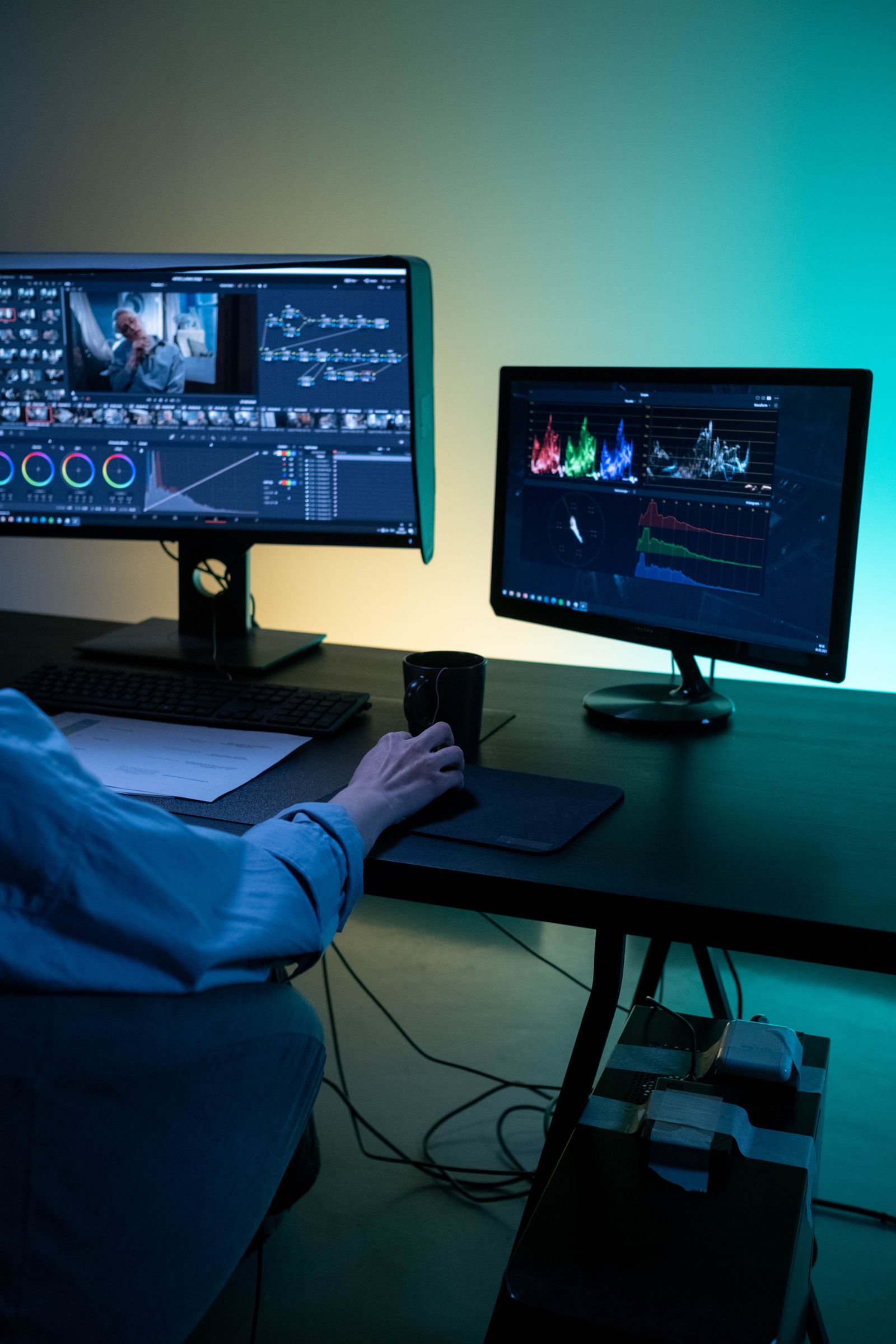
The SaaS explainers that work are sixty to ninety seconds, structured as hook, tension, solution, proof, next step. They show one to three specific UI moments and have a script tight enough that the visuals could carry the story without the voiceover. Everything else is taste.
An explainer video is the most-shipped video format in SaaS, and most of them are bad. Not because the studios are bad, but because the brief is wrong. Here is the working playbook we use when a SaaS team comes to us for one that actually moves a sign-up rate.
The structure that works
There is one structure that reliably works for SaaS explainers. We have tried clever variations on it. They usually do not beat the basic version.
| Beat | What happens | Time |
|---|---|---|
| Hook | A problem the viewer recognises in their own week. Specific, not abstract. | 0–8s |
| Tension | Why the existing solutions fall short. Briefly. | 8–20s |
| Solution | What your product does, shown specifically. The screen, the action, the result. | 20–55s |
| Proof | One number, one customer name, or one screen that makes it real. | 55–70s |
| Next step | The thing you want the viewer to do, said once, clearly. | 70–80s |
That is it. Hook, tension, solution, proof, next step. If your draft has six or seven beats, two of them are doing the same work and one of them should be cut.
The first eight seconds are most of the job
Average completion rate on a homepage video sits around 30 to 50 percent. The first eight seconds are where you keep the viewer or lose them. Most explainers waste them on a logo animation and a tagline that could belong to anyone.
What the good explainers do in the first eight seconds: state a specific problem in language the viewer would actually use, paired with a visual the viewer recognises from their own work. Not "managing your finances is hard" but "you are looking at four spreadsheets to close out the month".
The first eight seconds are not introduction. They are the whole pitch.
Show the UI, but only a little
The most common debate inside a SaaS explainer brief is how much UI to show. Here is the resolution we have landed on.
Show one to three specific screens at the right moments. Use them to prove the central claim, not to walk the viewer through a workflow. A UI walk-through belongs on the product page, where someone interested has already clicked through to learn how it works.
The screens that work in an explainer are the ones that contain the moment of value. The completed dashboard, not the empty onboarding screen. The successful reconciliation, not the import flow. Show the payoff state.
Voiceover is optional, and often overused
Some of the best SaaS explainers we have made have no voiceover at all. They run on motion, typography, and sound design. Others have light VO carrying nuance the visuals cannot.
The test: mute your script and watch the storyboard. If the storyboard does not communicate the product clearly without the voiceover, the storyboard is doing less work than it should. The voiceover should add nuance, tone, and rhythm. It should not be carrying the load.
If you do use VO, three quick rules:
- Do not write voiceover that reads what is already on screen. Doubling up wastes both channels.
- Avoid the warm-male-brand-voice register. Audiences are exhausted with it.
- Read the script aloud before you record. If a sentence is hard to say, its hard to listen to.
The script question every team gets wrong
Most SaaS explainer scripts spend their first draft listing features. The script that works does the opposite: it lists problems the viewer would recognise, in their own register, and gestures at the features.
The exercise: write the script as if you were explaining the product to a customer at a conference dinner. Casual, specific, slightly underclaimed. Then tighten that for the actual film. Almost every script that starts as "Introducing the world's first end-to-end" needs to be thrown out and rewritten as something a real human would say.
Pacing and rhythm
Pacing is the most undervalued part of the format. We see explainers where every shot has the same dwell time and the same animation curve, and the result is hypnotic in a bad way. The viewer's attention slips because nothing is doing the work of holding it.
The rule of thumb: vary the dwell. A 3-second shot followed by a half-second cut followed by a 2-second shot reads as alive. Six 1.5-second shots in a row read as a slideshow. The film should breathe.
Sound design earns its place
Sound design is the cheapest thing you can do to make an explainer feel premium. A single distinctive UI sound, used twice in the film, sticks in the audience's head longer than the visuals. We are now bringing sound design in to the storyboard stage rather than treating it as a polish pass at the end.
How to know if the explainer is working
One mid-funnel metric that beats the rest is completion rate. If 60 percent of viewers are reaching the call to action, the film is working. If completion is under 30 percent, the first eight seconds are losing them and the film needs a re-cut, not a new script.
For paid placements, watch the cost per qualified click rather than the cost per view. A great film with low completion can still be doing the job if the people who do finish are the right people.
Frequently asked questions
How long should a SaaS explainer video be?
Sixty to ninety seconds for a homepage explainer. Below sixty and you cannot land the value clearly. Above ninety and most viewers drop off before the payoff. Aim for seventy-five and cut from there.
Should I show the actual UI?
Yes, selectively. One to three specific screens that prove the central claim. A full UI tour kills the explainer.
Do I need voiceover?
Not always. A SaaS explainer can work with on-screen text only if the visual design is strong. Voiceover is useful when the product has nuance text cannot carry.
What is the right structure?
Hook, tension, solution, proof, next step. Sixty to ninety seconds total. Cut anything that does not fit one of those beats.