Tools / MO3D
Type it, and it’s 3D. An After Effects plug-in that turns live text into real, ray-traced 3D, right in your comp. Change the words, the font or the language, and the model, the animation and the flares on each letter rebuild themselves.
Sold through aescripts + aeplugins. The trial is the full product: in the aescripts + aeplugins manager, choose Account > Add Trial. Renders carry a watermark until you license it.
Apply MO3D, pick a text layer, shape layer or mask, and it’s 3D: bevelled, lit and rendered through your comp’s camera. MO3D reads the layer on every frame, so there is nothing to convert and nothing to re-extrude when the client changes a word.
You build the scene in MO3D’s Scene Setup window and animate it in After Effects, from Effect Controls and your timeline. The comp camera, its depth of field and your motion blur settings all come through.
After Effects’ own Text Animators drive the 3D letters, range selectors and all. MO3D’s Letter Animators add move, turn, scale, tint and glow per letter, and Groups stagger whole words.
Retype it, swap the font, translate it, or drive it from a data file or an expression: the bevels, materials and animation carry on. Latin, Cyrillic, Greek, Chinese, Japanese and Korean all work, so one template becomes every language version.
Bevel presets with their cross-sections, then Face Shape curves the front itself: Inflate, Arc, Dome and Chisel.
The bevel is a curve you drag, and the edges follow. Save it as your own preset.
Turn on Flares and MO3D places light flares on the letters themselves: along the top edges, on the lit bevel, around the outline or across the face. Stars, glints or anamorphic streaks that twinkle, react to the light and camera, and pick up your depth of field and motion blur.
Flares are placed by the letters, not by hand, so there are no nulls to re-position. Change the words, the font or the language and they re-form on the new letters, in the same places every time for the same text and seed.
Diffuse, specular, reflection, AO, shadow, normals, Z-depth, world position, object and material IDs, albedo and emission. Create Pass Layers builds the whole stack in your comp, ready to grade.
32-bit float, straight into your project’s working space with OpenColorIO: ACEScg, ACES2065-1, ACEScct, linear or your own config. The anti-aliased renderer resolves bright highlights properly, so neon and chrome edges stay clean.
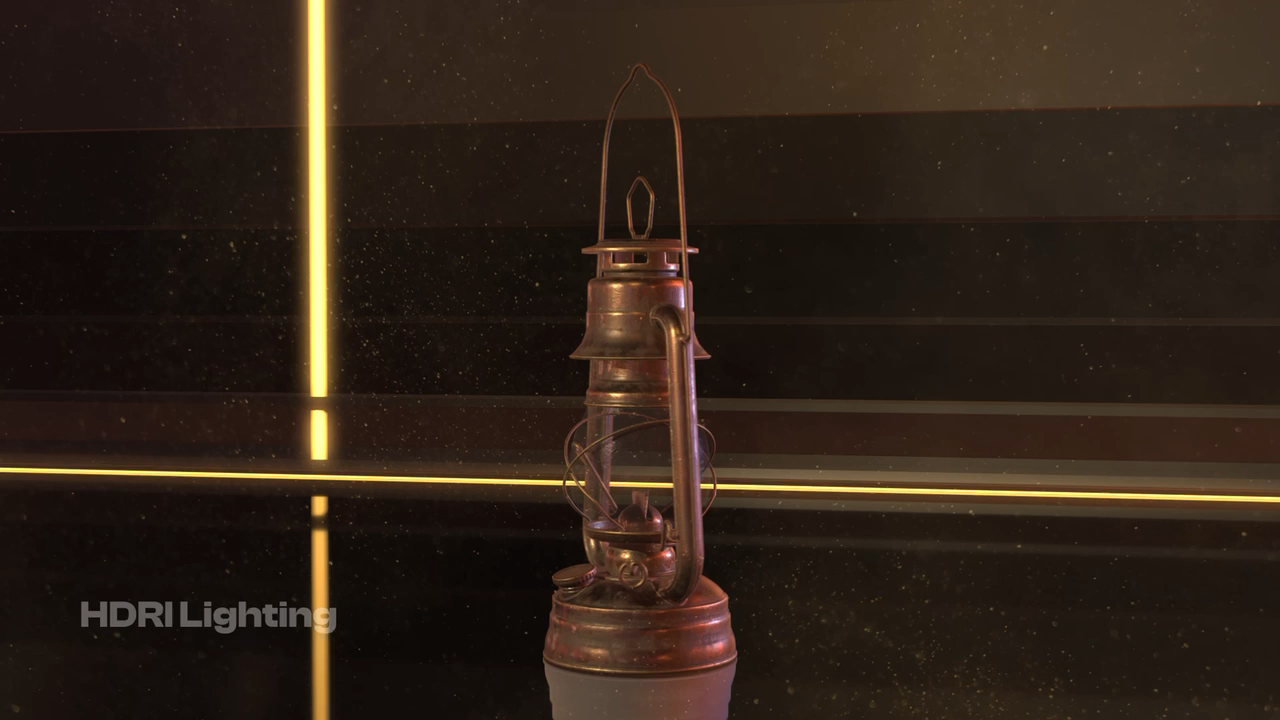
FBX, glTF, USD, OBJ, STL and PLY files with their materials and textures (and Alembic on the Mac) share the scene with your text. Load an HDRI and MO3D finds its sun and makes it a shadow-casting key light. Shadows, reflections and glass are ray-traced.
Drive the text from a data file or an expression and the 3D updates on its own: scores, results, prices, names. Build the graphic once and let the data fill it in.
Metal, clearcoat, glass with real refraction, and emission for neon. Click a part, then click a material.
Noise, cells, bricks, gradients and images, with texture sets and MaterialX. Baked once, so it costs nothing per frame.
Grids, rings, spheres and spirals that morph from one to another, plus bend, twist, taper, wave and noise.
Run text along any mask or shape path, through 3D space, with the letters bending to the curve.
No. You build the scene in MO3D’s Scene Setup window and animate it in After Effects, from Effect Controls and your timeline.
Yes. MO3D renders through the comp camera, with its depth of field, and under your comp’s lights. With no lights in the comp, an HDRI’s sun or a soft studio set-up lights the scene for you.
Yes, at any time. MO3D reads the text layer as it is on every frame, so edits, expressions, data files and translation scripts all come through.
Yes. Metal on the Mac, Vulkan on Windows, and both give the same image, so projects move between them. The one difference for now: Alembic opens on the Mac only.
Yes. With Color Space set to Auto, MO3D reads your project’s OpenColorIO config and renders straight into its working space, ACEScg included.
MO3D keeps working and keeps your projects as they are, but renders carry an “MO3D UNLICENSED” watermark until you license it.
MO3D came out of our own motion work. If you would rather we did the 3D titles, the brand film or the explainer, send us a paragraph on it.