GlyphVault / Unlock
Unlock your copy.
Your purchase token and your Installation ID make a licence key for one computer.
- Install GlyphVault and open it.
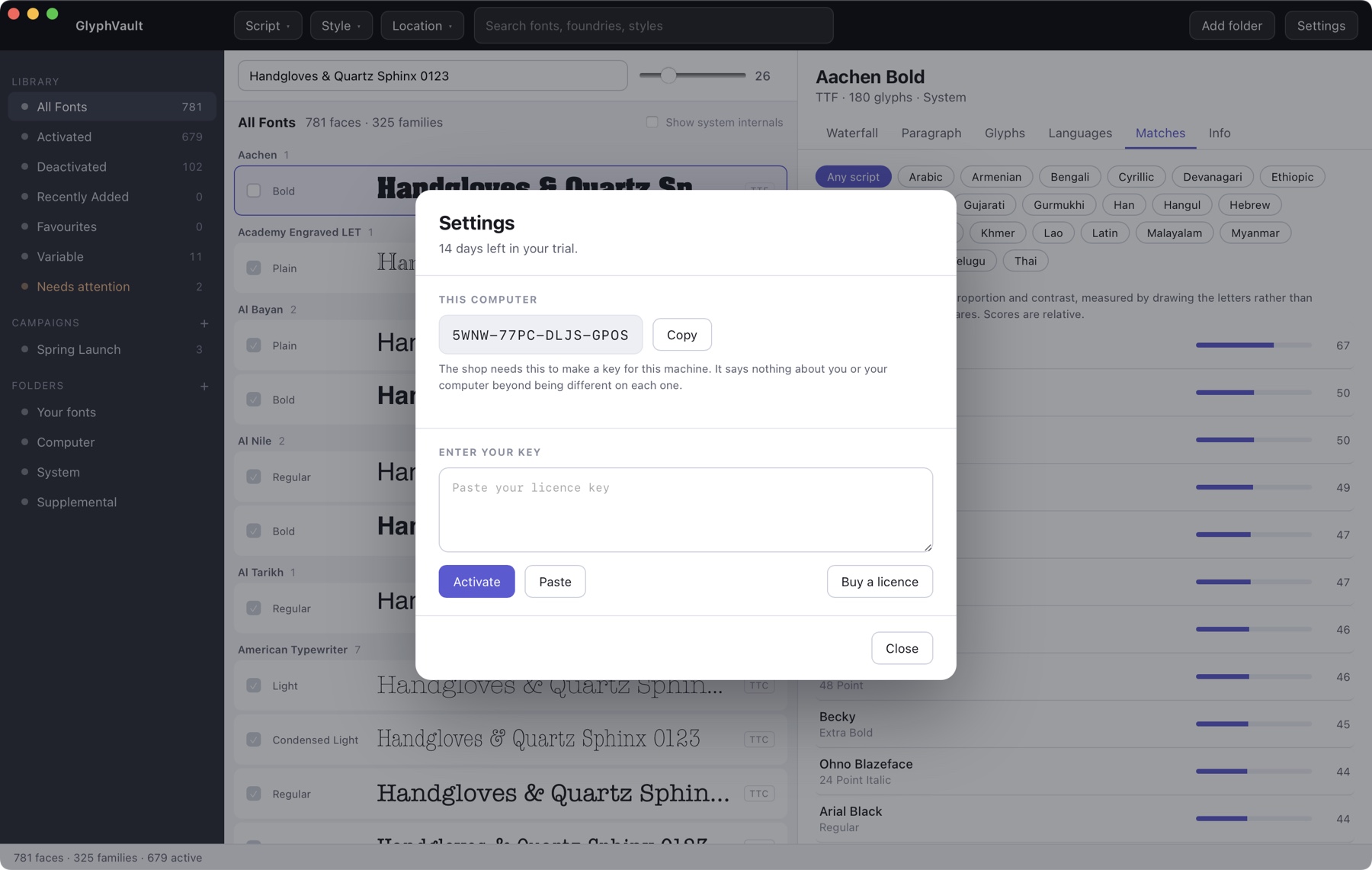
- Go to Settings and copy your Installation ID. It is sixteen characters in four groups.
- Paste both below. You get a key back straight away.
Moving to a different computer? Release the licence in Settings on the machine that has it, then use the transfer page a day later.